A home screen
of your own.
Arrange apps, HDMI inputs and wallpaper
with this open-source Android TV launcher.
Android 5.0 and later
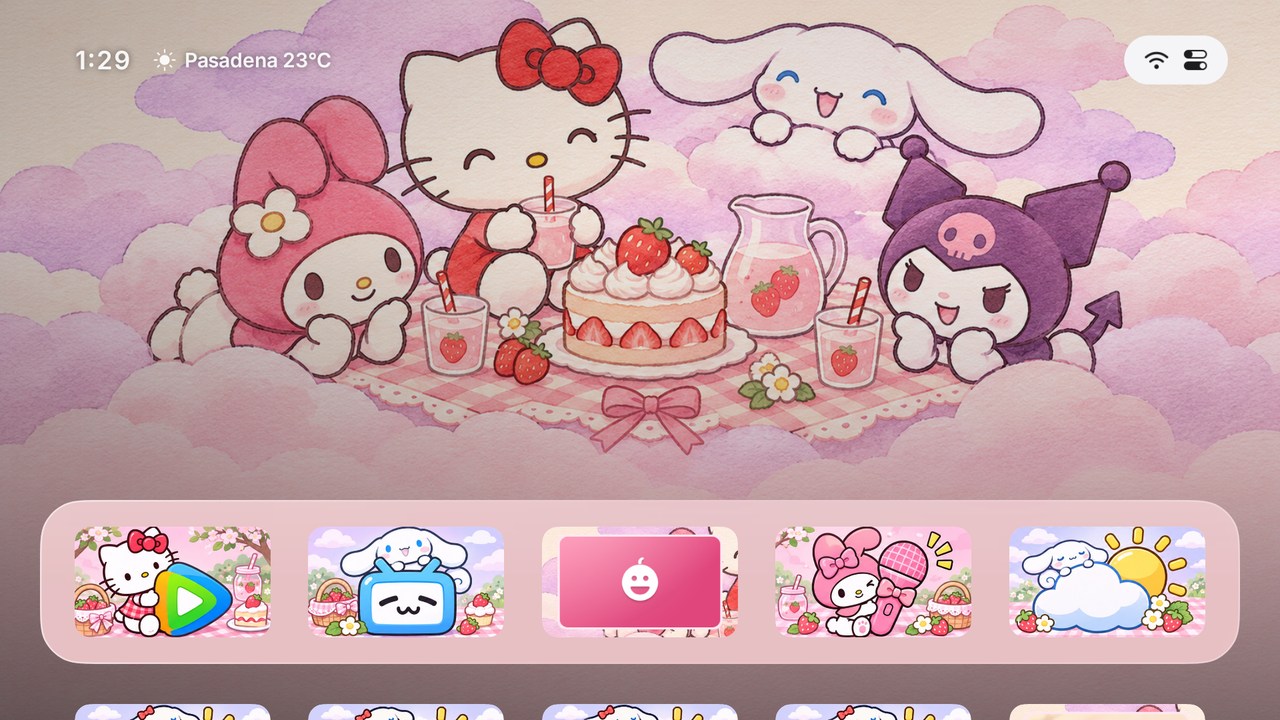
One TV, different layouts.
Keep streaming apps handy for movies and HDMI for games. Each scene keeps its layout and appearance across restarts.
- Arrange with the remote
- Hold OK to move a tile, hide an app or make a folder.
- Customize from your phone
- Scan the setup code to upload photos and app artwork over Wi-Fi.
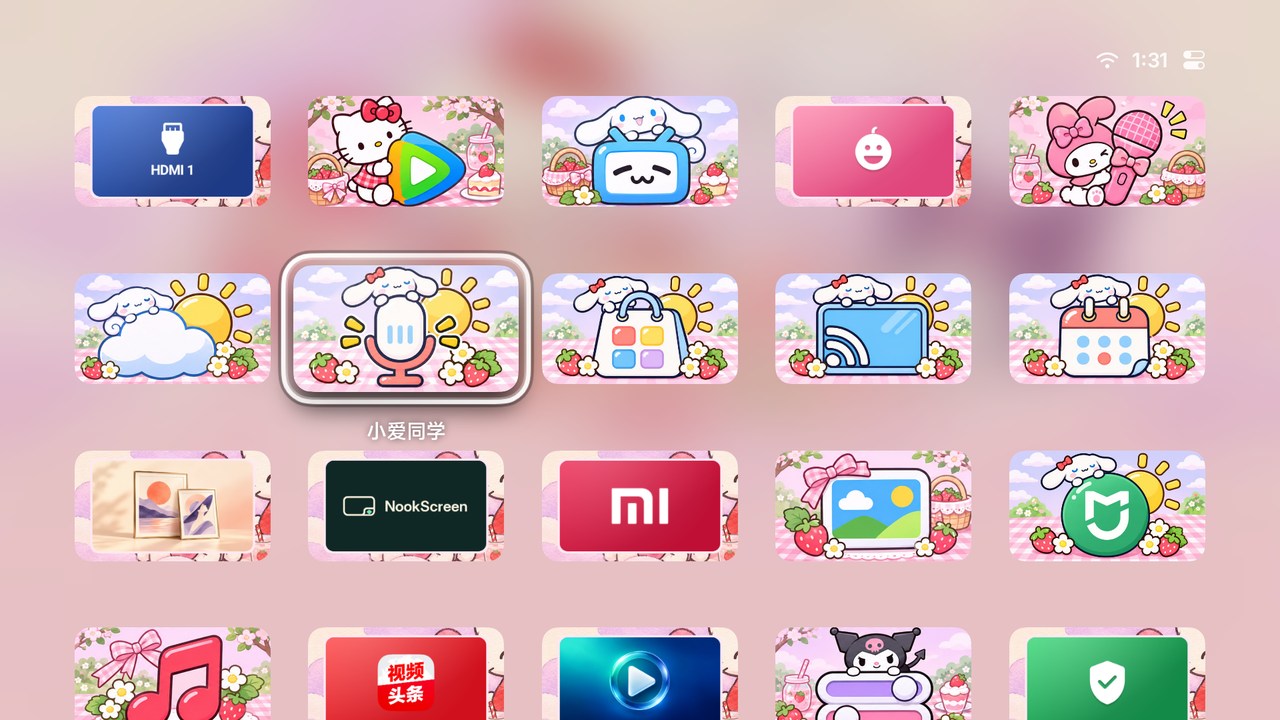
Change the look from Control Center.
Download and apply a theme with its own wallpaper and app tiles.
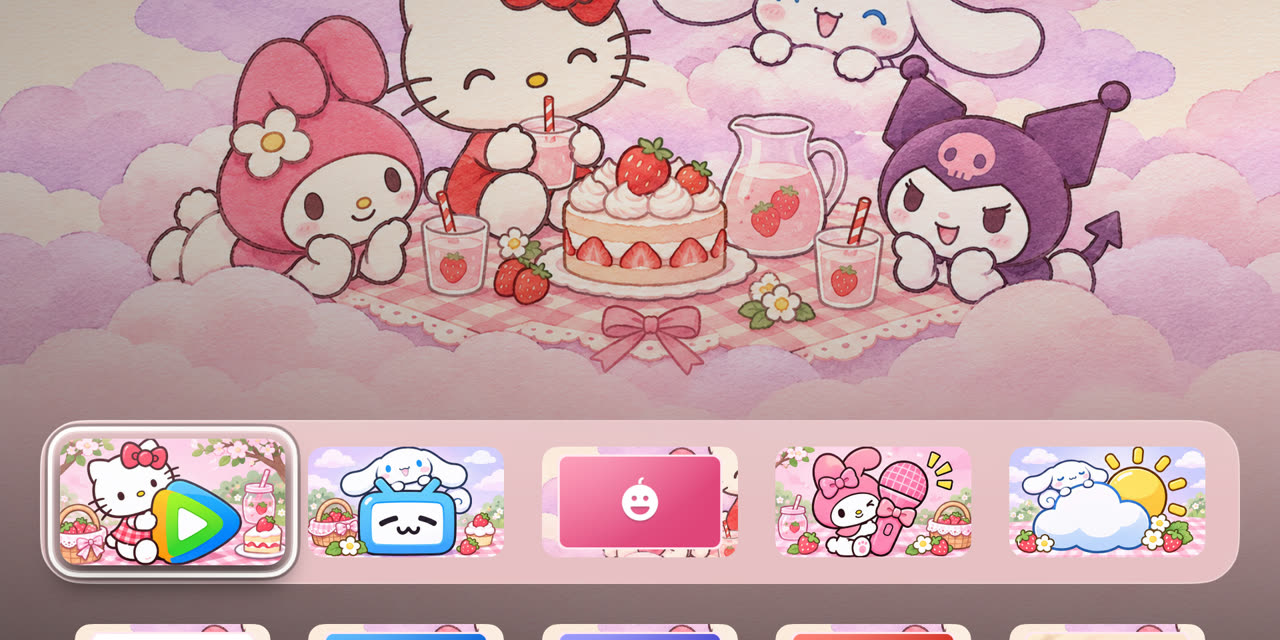
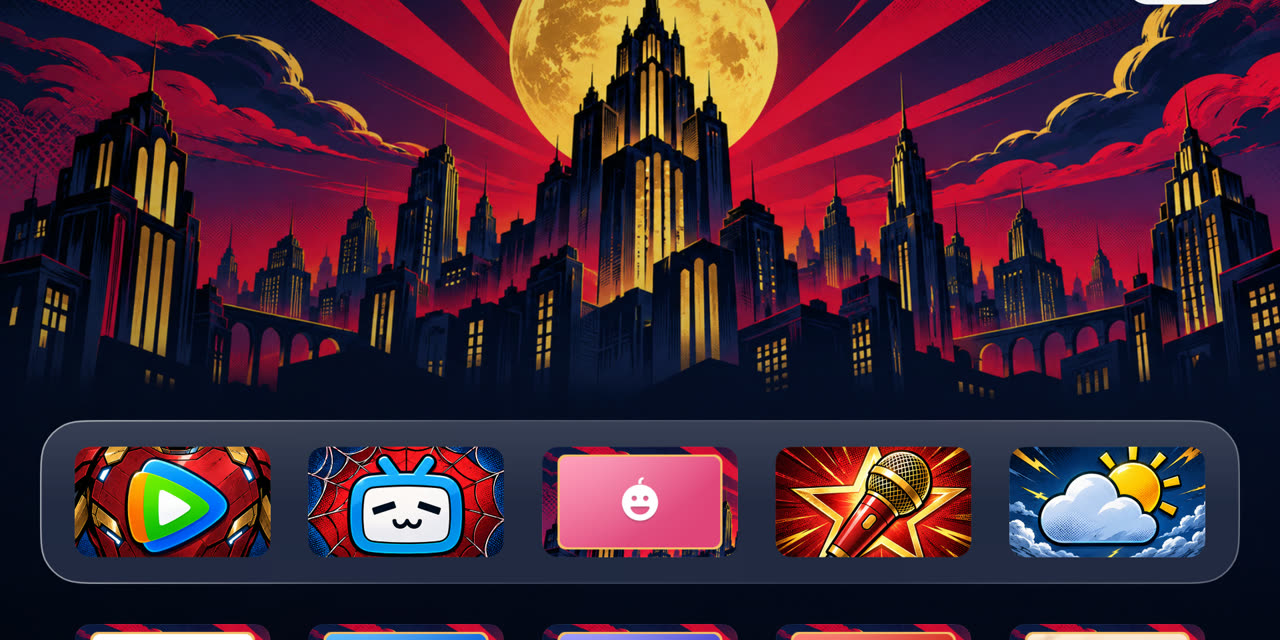
Try it on your TV.
Android 5.0 and later. Home and HDMI support vary by firmware.
- Copy the APK to USB and install it from the TV’s file manager.
- Open NookScreen. Press ↑, then OK on the status button for Control Center.
- Set NookScreen as the default Home app in Android settings, or use Make NookScreen Your Home Screen.